

When the PlayStation 4 came out, I picked it up at a midnight launch, and the first thing I did with it after I got home was to connect it to my PlayStation Vita to test out remote play.

I was very excited about my new console, but as a father and husband with a long work commute, actually accessing the family television required staying up later than everybody else, depriving myself of adequate sleep to get an hour a night of play time in. No longer. With my Vita and the magic of Remote Play, I would be able to transport my PS4 screen to my tiny handheld, and happily play while the family took over the TV to watch “The Thundermans” or “Gilmore Girls”. It was the promise of Nintendo’s awesome off-screen play feature on the WiiU, but with a vastly better game library.
I had visions in my head of remote play working perfectly when I was driving home from the GameStop with my PS4. It was the main reason I had chosen PS4 instead of an Xbox One. But when I got it all hooked up… gameplay would freeze every three minutes or so. Was it the router? Or the strength of the signal? Somebody else using wifi? I couldn’t figure it out. Just as challenging was the lack of a full controller. The Vita didn’t have L2, L3, R2, or R3 buttons. These were set to the touch pads on back, a solution that felt terrible. No tactile feedback. You’d find yourself accidentally activating the back “buttons” at the worst possible moments in a game. And lag was noticeable. It just didn’t work.
I tried remote play again when it became available on PC. Maybe I could use this as a second screen sitting at the dinner table? I booted up “The Order: 1882”, and it was a slide show. Not playable.
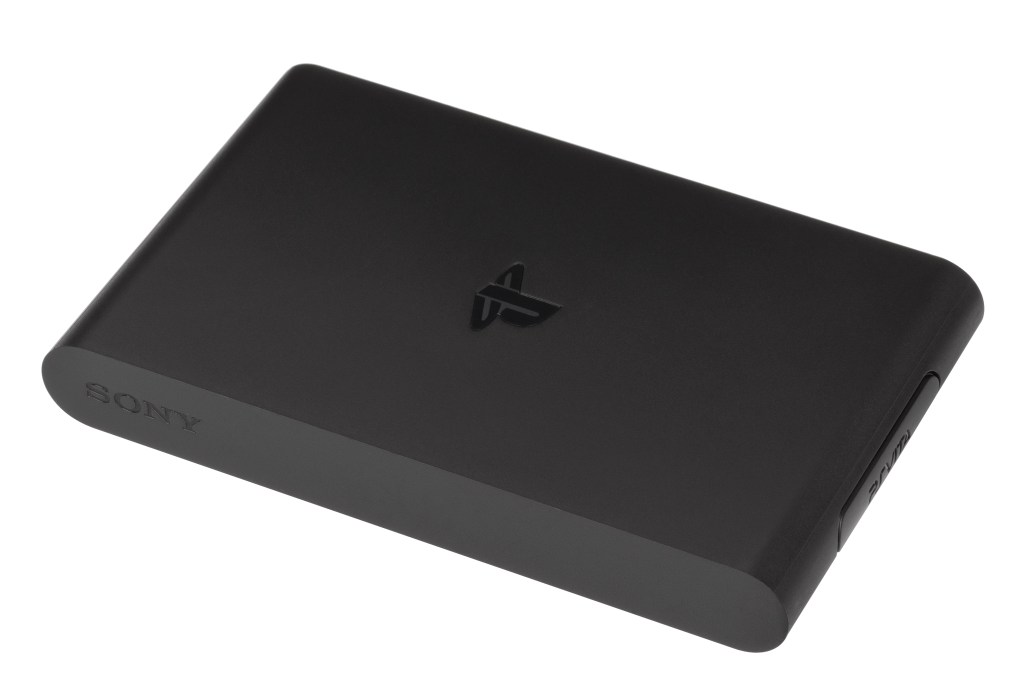
My next attempt came with the PlayStation TV, a $99 device that I strapped to the back of a small HDTV and stuck next to the living room recliner. I tried to stream my PS4 games there via remote play. My wife hated the janky setup, and performance relative to playing natively was unacceptable.
If I wanted to play off screen, I decided at that point to just give up on Sony and stick with the WiiU. Uncharted would have to be played slowly, an hour at a time, as I exhausted myself by staying up too late. It seemed that streaming just wasn’t good enough to support the kind of gaming I wanted to do.
A few years later, the Nintendo Switch came out, which promised to do everything I wanted. It was both a portable and a console. I love the Switch – I own hundreds of games, and the first-party games are second to none. But from a technology perspective, you have to settle for 1080p on a 4K display, and the processing power is too limited to let you enjoy 1:1 ports from Xbox One and PlayStation 4. The gulf only widened when Microsoft and Sony introduced their new generation hardware, the Xbox Series X and the PlayStation 5.
I bought both of those machines, knowing that I’d still be playing Switch most of the time, because that was the machine I could play even when the TV was unavailable. And sure enough, I rarely finished a game on the new consoles, because they were too difficult to access.
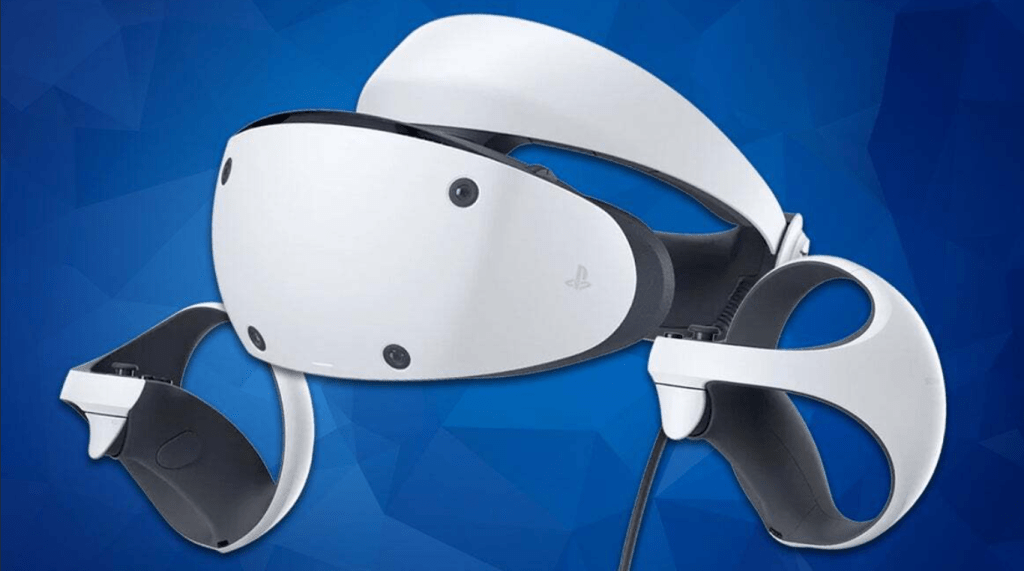
PlayStation VR 2 came around. Could that give me easier access to the PS5? No, not really. You look like a stooge sitting in the living room with that thing on your head. It’s really awkward, heavy, hot, and uncomfortable. I tried making my way through Resident Evil 4 and Final Fantasy XVI with it on, but it just was too much of a hassle, and I could never get a perfectly comfortable screen size instead the HMD. It’s great for standing up and playing VR games, but it doesn’t work as a second TV.

In all this time… nearly ten years… I had been building up a library of PS4 and PS5 games that I never played through, because I couldn’t get access to the TV regularly, and I couldn’t get remote play to work acceptably. I tried, and tried, and TRIED.
I ultimately decided that if I wanted to play modern games that are too powerful to run on Switch, I’d need to jump into the world of handheld PCs. I picked up both a Steam Deck and a ROG Ally. While they are impressive technically, they didn’t really solve my problem either. They need to be plugged in for optimal performance, which tends to defeat the purpose of portability. Try to play them unplugged, and the limited wattage will give you a lower quality experience… that only lasts 60-90 minutes, anyway. Attach them to a TV, and they look and play badly. They aren’t built to seamlessly transition to TV mode like the Switch. I bought a $1,000 Mobile XG for the ROG Ally – a dock that is equipped with and external GPU. But you have to fiddle with settings manually every time you shift from the onboard processing power to the external GPU, and it crashes frequently. Again, not quite there.
And then, just last week… something magical happened. I received my PlayStation Portal, updated the firmware, connected to my PS5, and… it worked PERFECTLY. No perceptible lag. A gorgeous 8″ 1080p screen. A fully functional, super comfortable control setup. I was seamlessly able to jump from my 77″ OLED screen to my PlayStation Portal, and play from anywhere in my house. WiiU couldn’t even do that (You had to stay in the same room as the console). I can now enjoy full-fat PS5 games anywhere in my house. Laying in bed, sitting on the recliner in the garage, or lounging with my family in the living room. I don’t have to be plugged in. I don’t have to worry about battery life. I can just play the most cutting edge games on the market at home with the freedom of a kid in a college dorm.
This is transformative. A quality of life change. I can now excitedly play through the stack of games I’ve bought, but never found the time to play. Switch is still my go-to for carrying games with me. But since I rarely travel nowadays, and don’t take the train to work, 95% of my play time happens at home, anyway. And from there, I can FINALLY have access to my Sony games just as easily as the Nintendo games.
 Harpoon Shield